Download FF Advance Server PC & Enjoy Upcoming Weapons and Updates
Free Fire Advance Server isn’t less than a jackpot, as it lets you play with the upcoming features, weapons, emotes, outfits, and the latest updates of the game before they’re even launched. However, PC users always wonder if they can enjoy playing the Advance Server of FF on their PC so that they can enjoy the advanced features on a big Full HD screen and better audio.
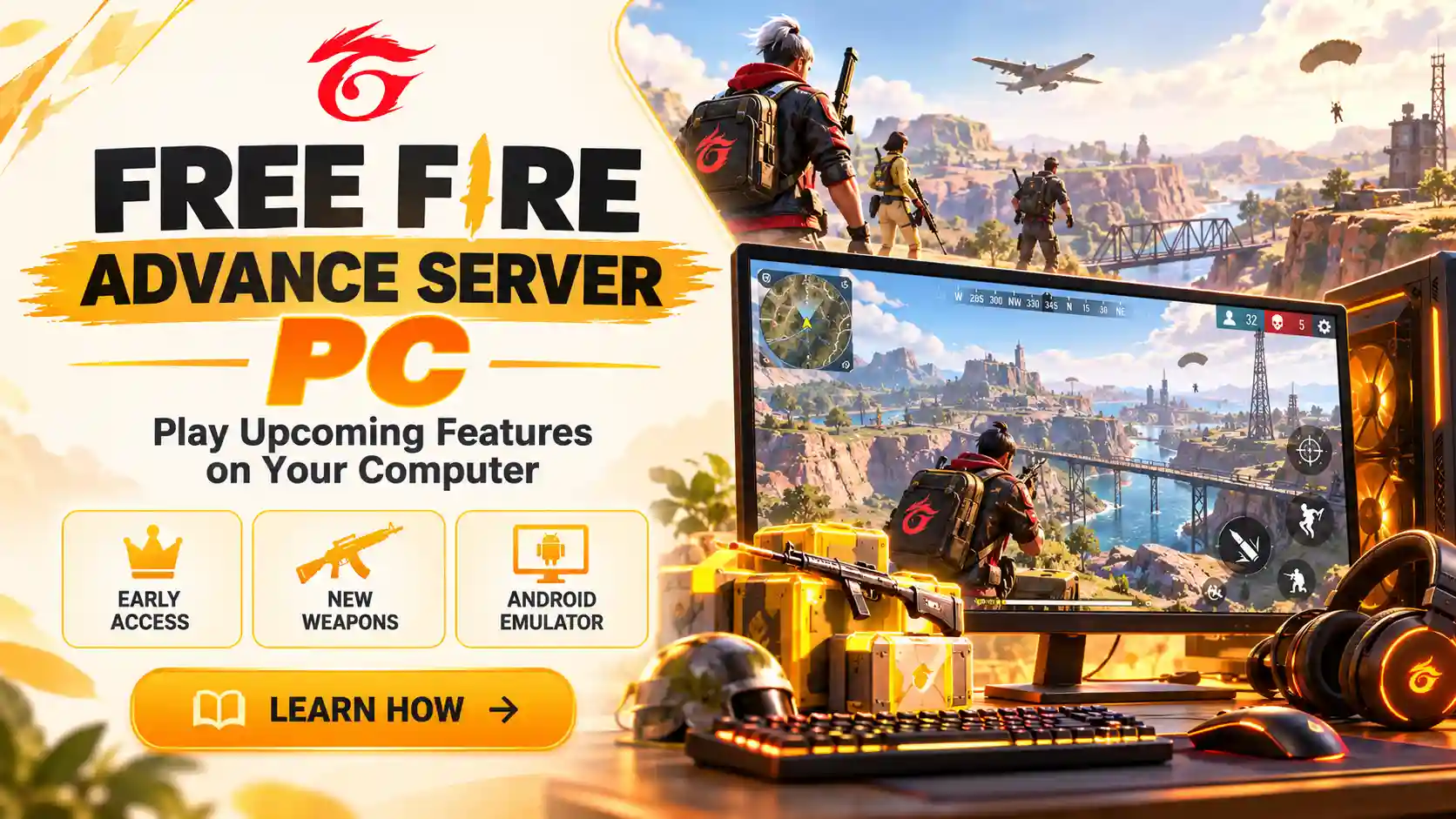
The answer is yes, it’s possible to download the FF Advance Server PC, but it can’t be done directly like you can do on your Android device. You need an Android emulator to do that, and we’ll teach you in this article how to download the Free Fire Advance Server on Windows or Mac.
What’s FF Advance Server PC?
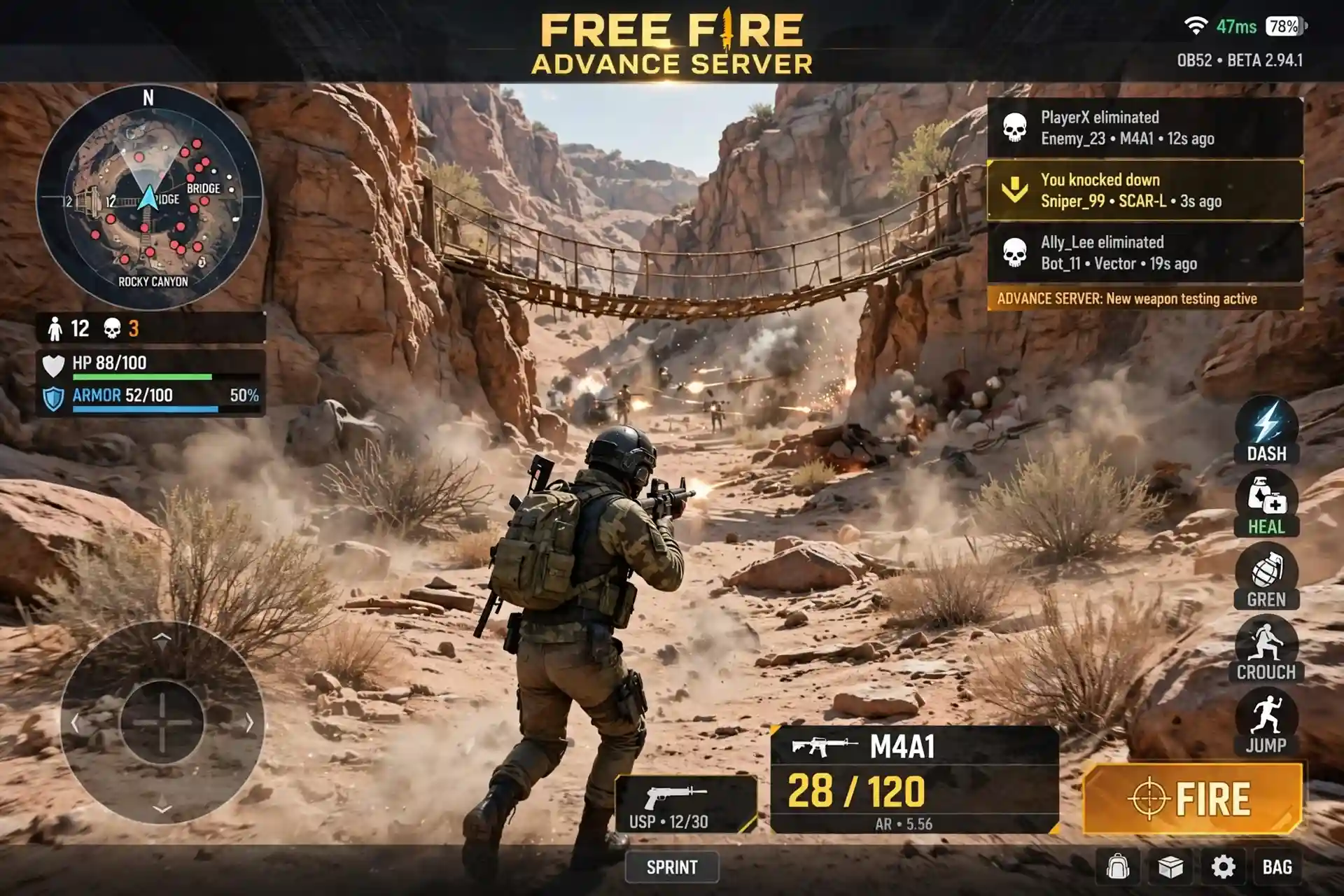
Free Fire Advance Server or FF Advance Server is a testing version of Free Fire launched after making significant changes, adding any new features, or battle tools. It’s given to a limited number of players to get their feedback to spot the errors, glitches, crashes, or performance issues so that they can be fixed before launching the updated game.
Even though there isn’t a specific Free Fire Advance Server PC version so far, using an Android emulator, we can run it on our PCs.
An Android emulator is software that you download on your system, whether Mac or Windows, which offers the Android environment to run Android apps. You can directly download the apps from the Play Store or even Google and run them smoothly on your PC just like PC apps.
How to Download and Install the Advance Server?
The smoothness of the FF Advance Server depends on how smoothly the emulator runs on your system. To make the emulator run smoothly on your system, ensure that it at least meets these system requirements.
Operating system: Microsoft Windows 7, 8, 10, or 11
Processor: Intel or AMD Dual-Core processor
Permissions: Administrator rights on your PC
RAM: At least 4GB of RAM (2GB may boot the emulator, but 4GB+ prevents crashes)
Storage: At least 5GB of free disk space
How To Download FF Advance Server On PC?
Downloading the Free Fire Advance Server on Windows and Mac is possible, but only with an Android emulator, as stated earlier. There are many emulators that you can use for this purpose, such as MEmu Player, LDPlayer, or BlueStacks.
We leave you free to choose any of these depending on which meets your system requirements properly. The steps to download the FF Advance Server for Computer are going to be the same for most of the emulators!
Players who want to access Free Fire Advance Server on Apple devices can also read our guide to Free Fire Advance Server for iOS for more information about iPhone and iPad compatibility.
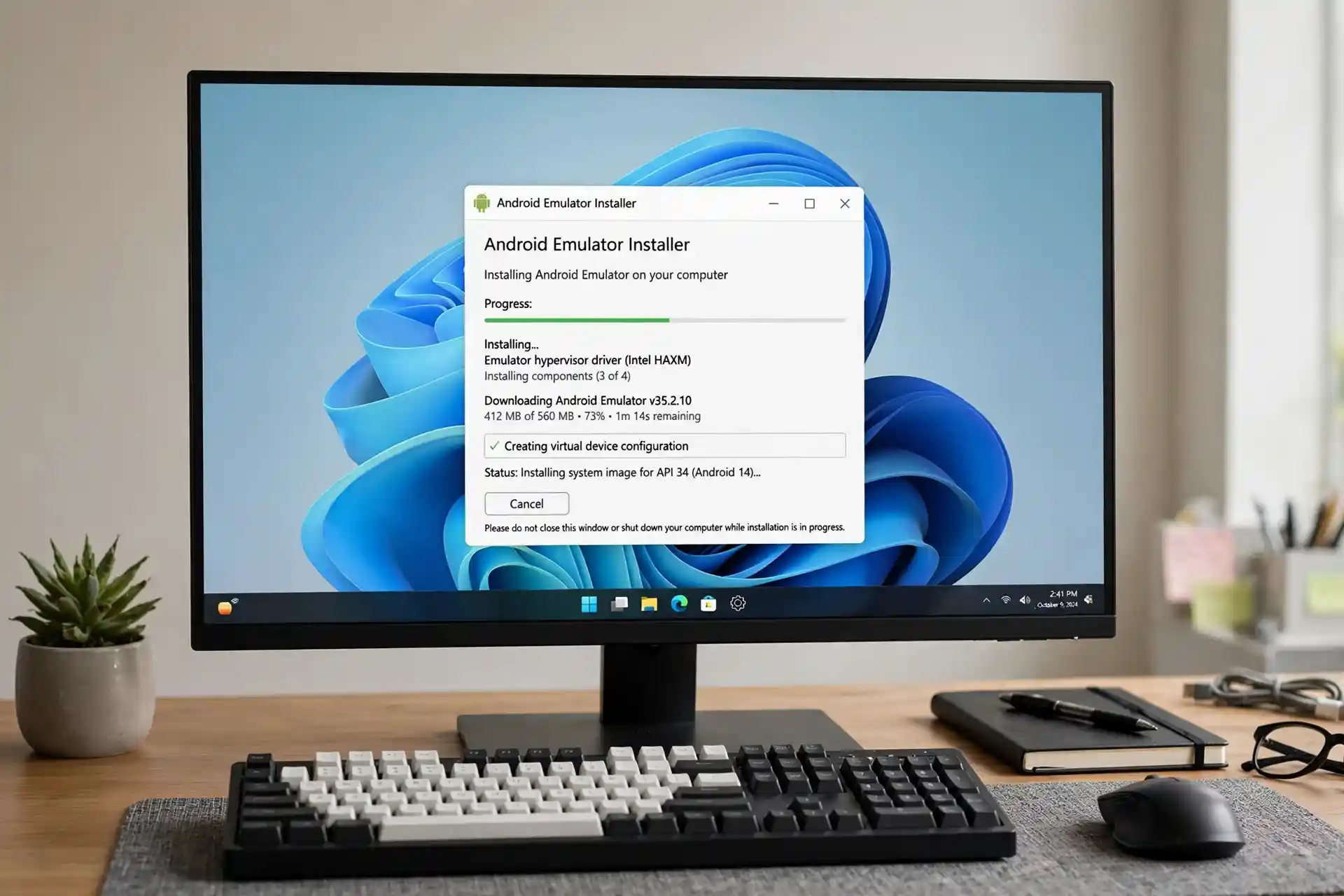
1. Choose an Android Emulator
Install a trusted Android emulator on the computer first. As stated above, you can choose any of these Android emulators as long as they’re meeting the minimum system requirements.
2. Register for the Advance Server
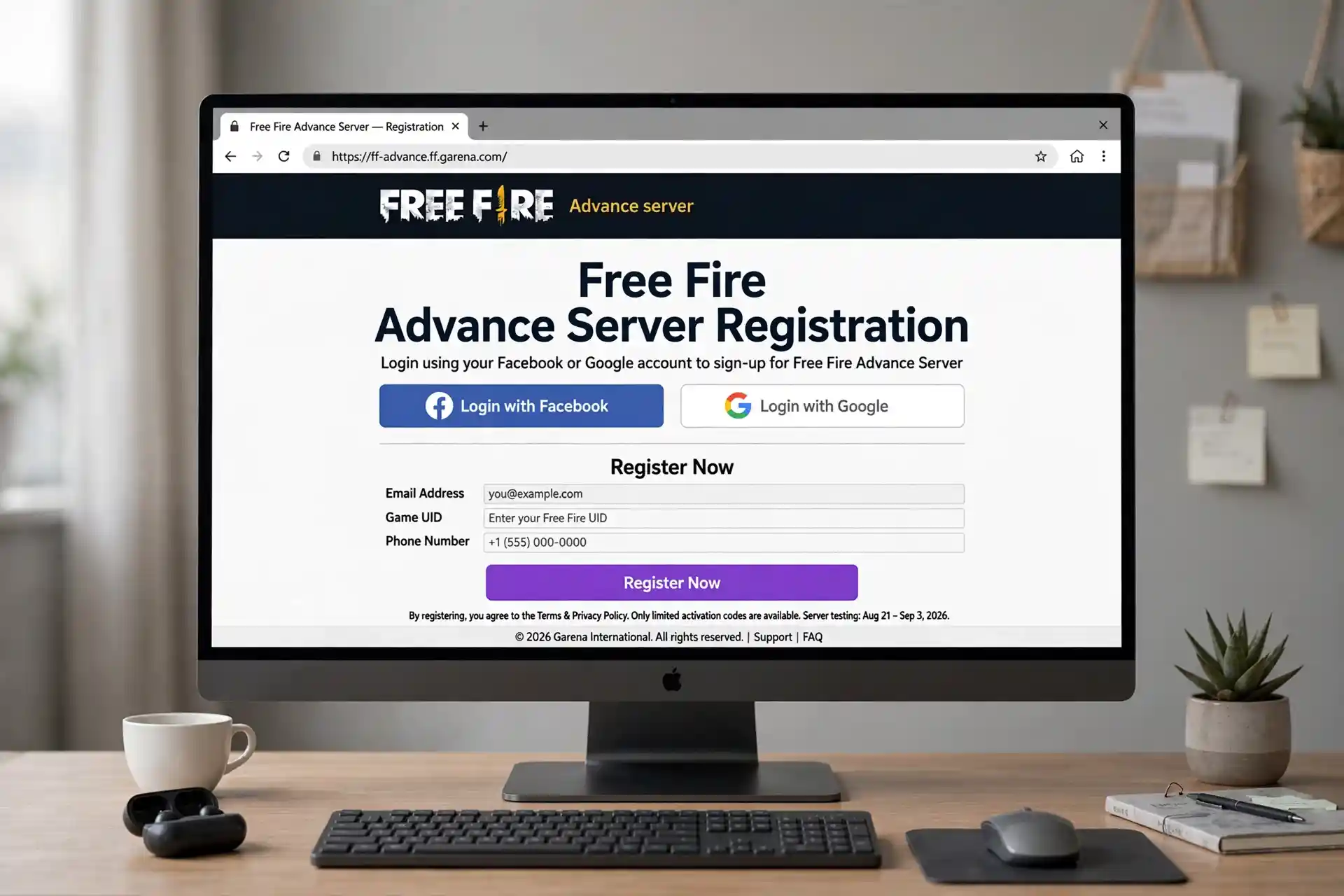
Open Garena’s official Free Fire Advance Server website. Sign in with the Google or Facebook account linked to Free Fire. Finish the registration steps on the page which involves entering your basic details. This starts the process for getting into the testing server.
3. Check Your Access
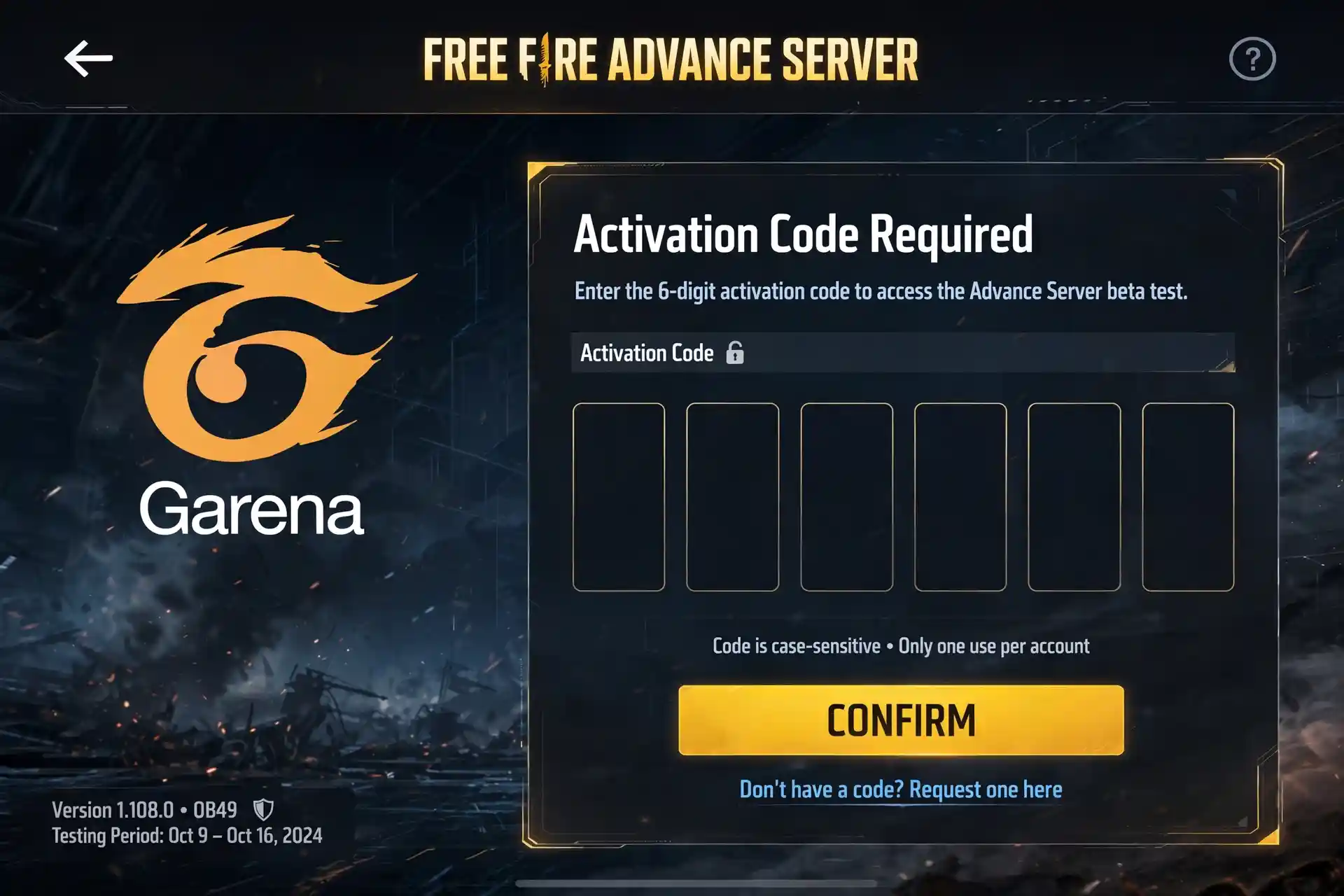
FF Advance Server PC Registration does not always give access right away. Check your registered email to know your account was chosen for the current testing time. When your account is selected, an FF Advance server activation code is sent to your registered email that you have to enter to unlock the Advance server.
4. Download the Advance Server APK
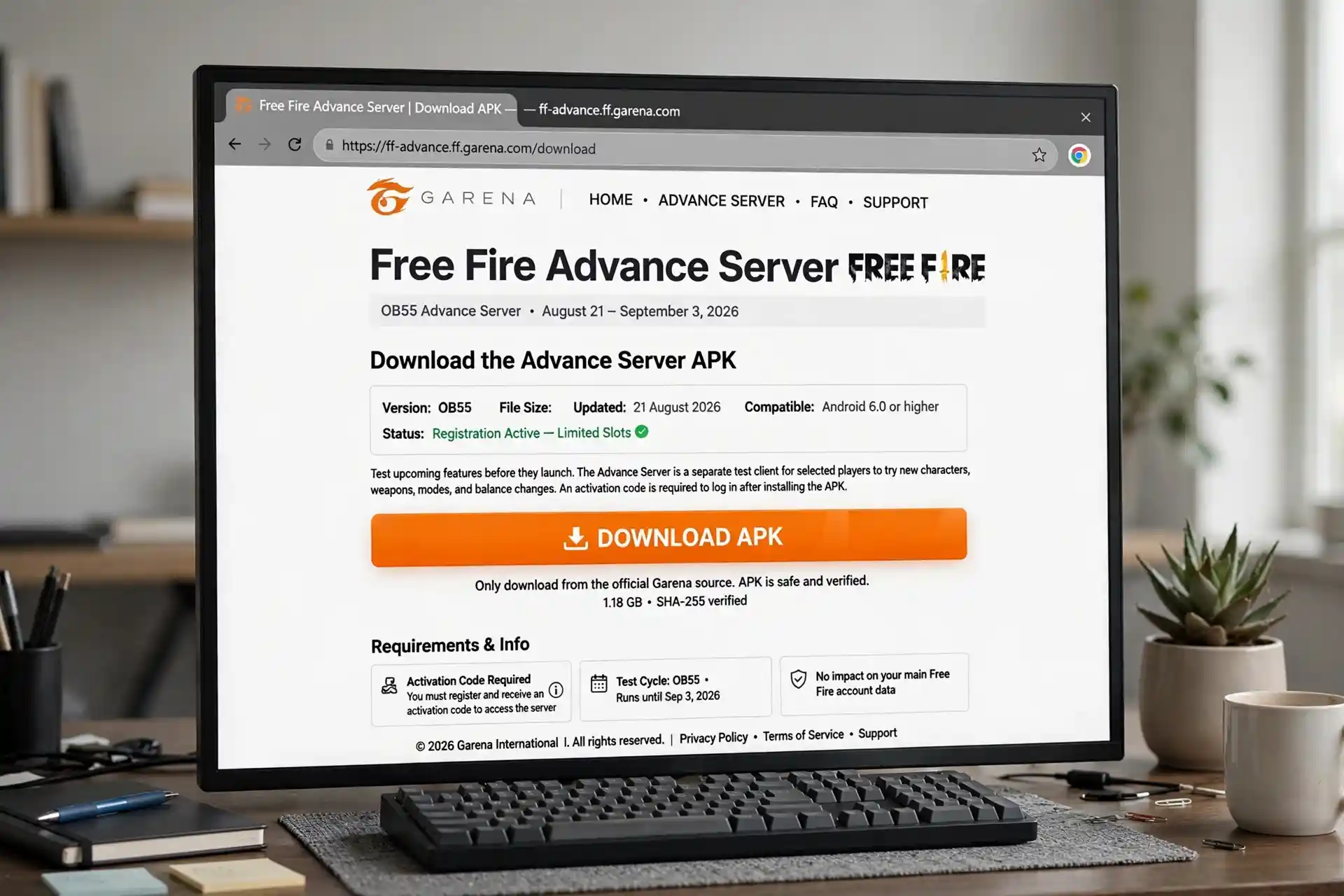
Download the latest Advance Server APK from Garena’s official page when it becomes available. Stay away from changed or unofficial APK files as they may contain the malware that could steal your data. Using the real file from Garena keeps the install safe and correct.
5. Install the APK on PC
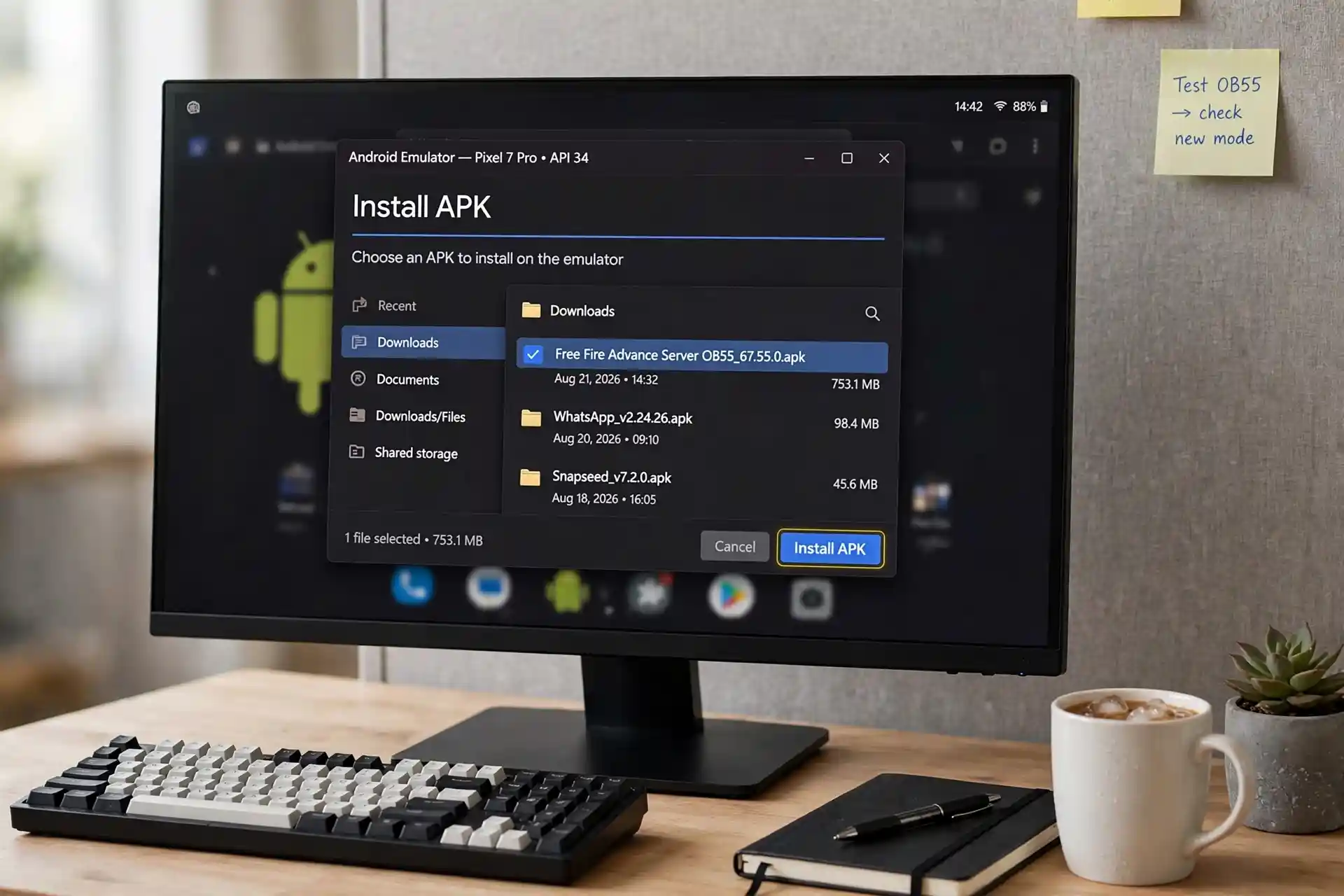
Open the Android emulator that you installed earlier. Click the Install APK button inside the emulator. Select the downloaded Advance Server file and let it finish installing. The game appears in the emulator once the process ends.
6. Open FF Advance Server
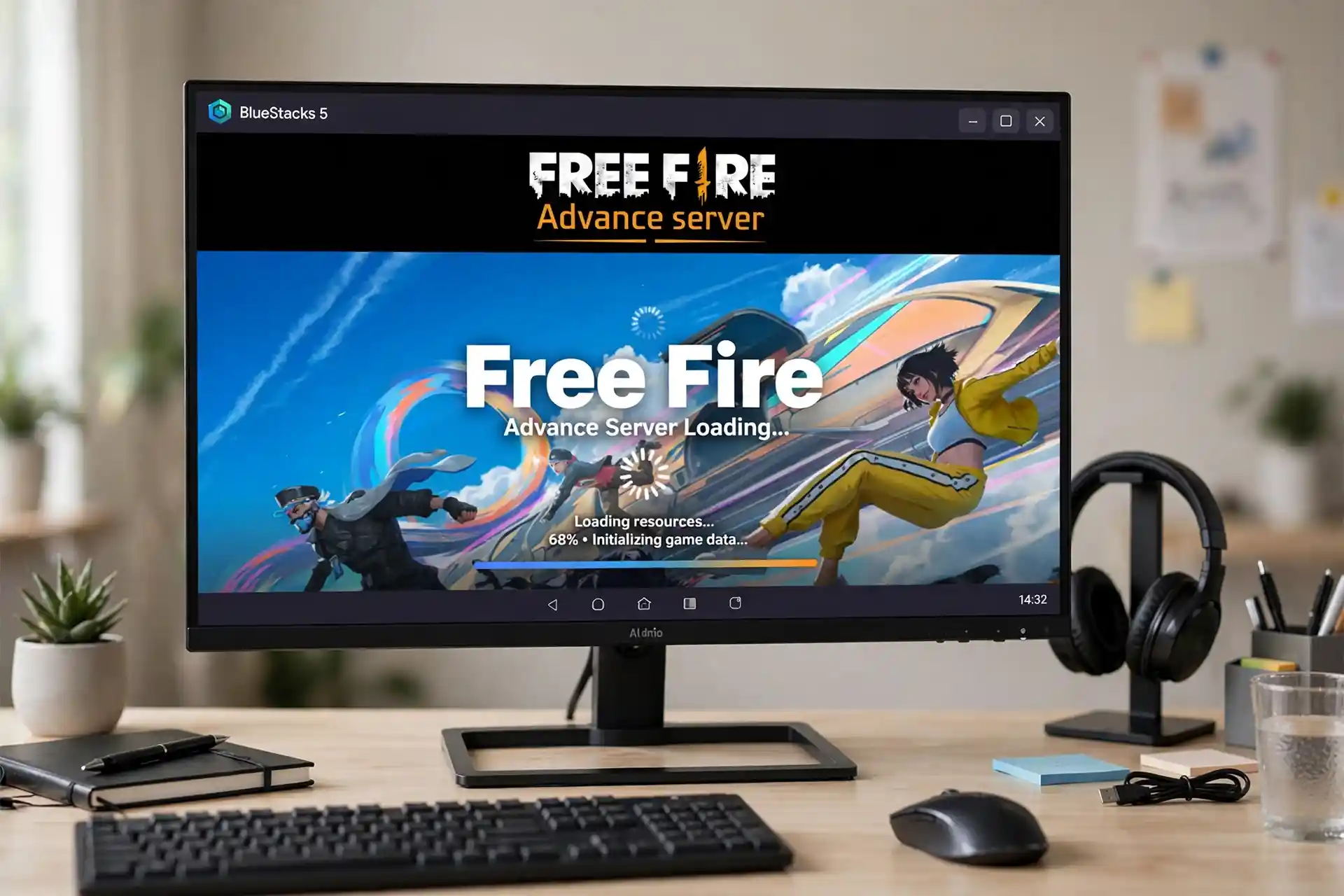
Launch the Advance Server from inside the emulator. Log in with the same account used for registration. Enter the Activation Code if the game asks for it. Access opens after the login and code steps are complete.
7. Start Playing and Testing
Once access is given, enter the server and start playing. Try the new features and gameplay changes that are being tested. Don’t forget to report any bugs or problems through the feedback tools provided, as they can help you earn in-game diamonds. Testing helps improve the game for later updates.
Benefits of Using FF Advance Server on PC
These are the advantages of downloading the Free Fire server on Windows or Mac that you can’t get on Android!
Try Upcoming Features Early
You get to try new characters, weapons, maps and modes before the regular game releases them. This early look shows what the next updates will bring. Learning the new parts now helps you prepare for when they arrive for everyone.
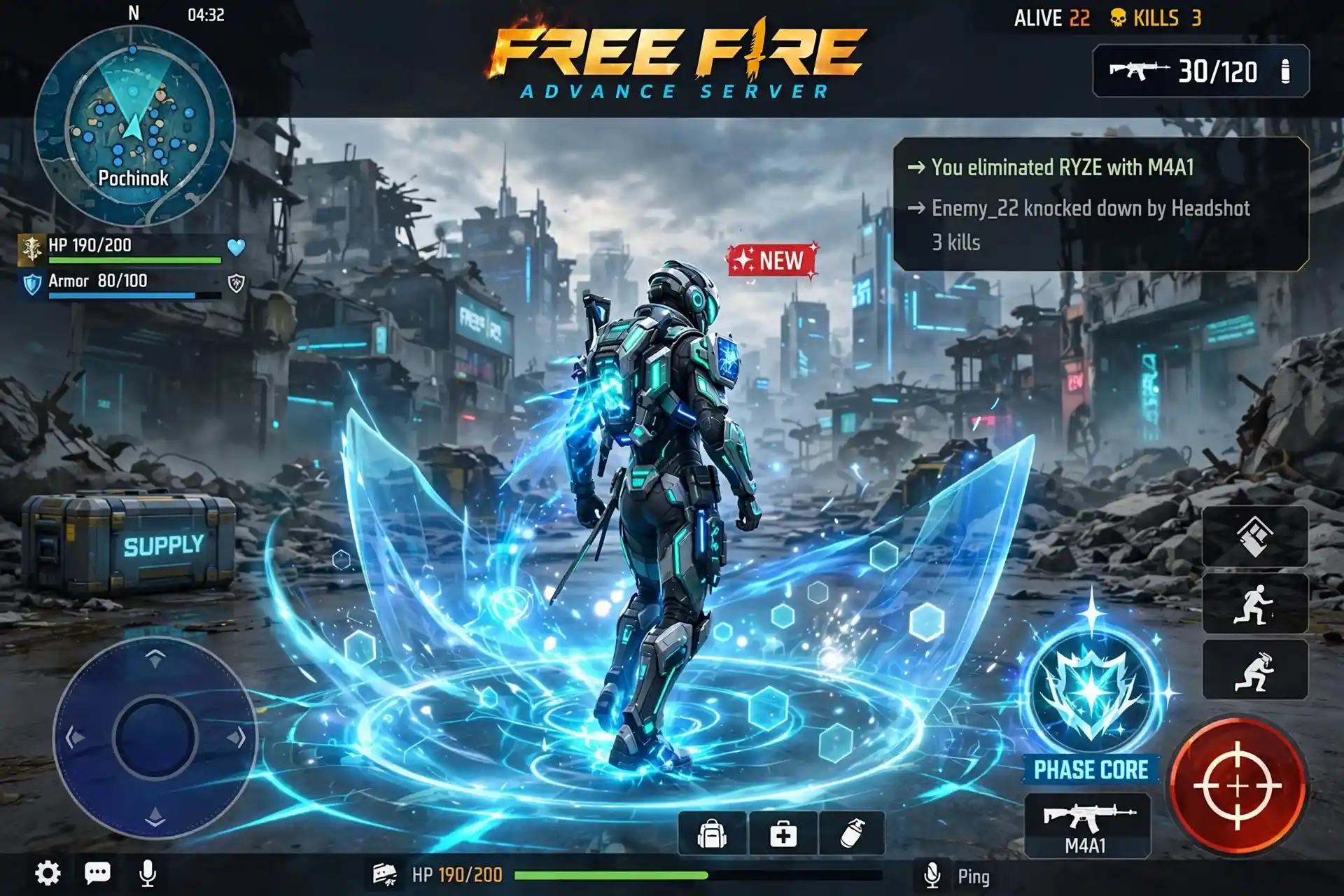
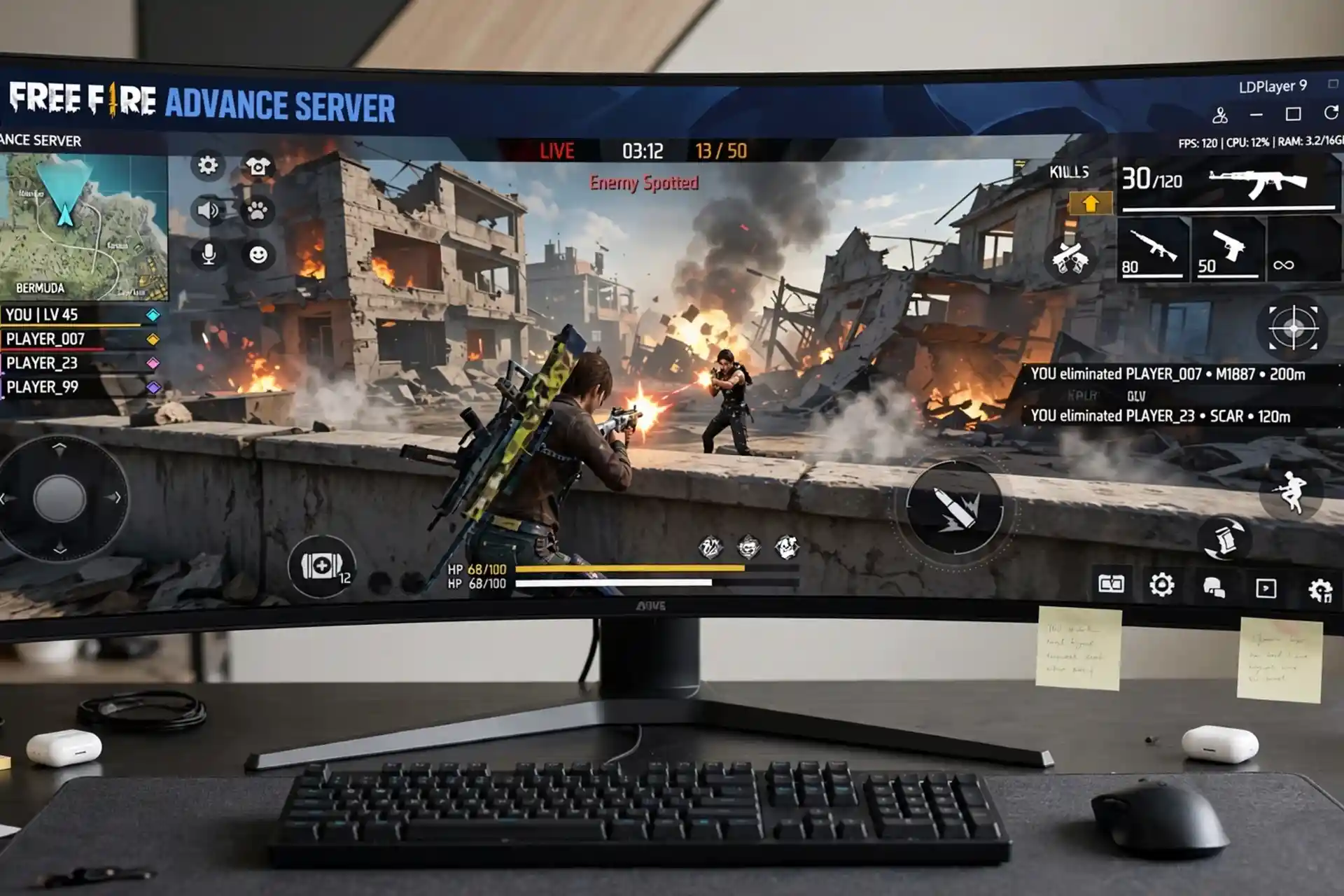
Better Gaming Experience
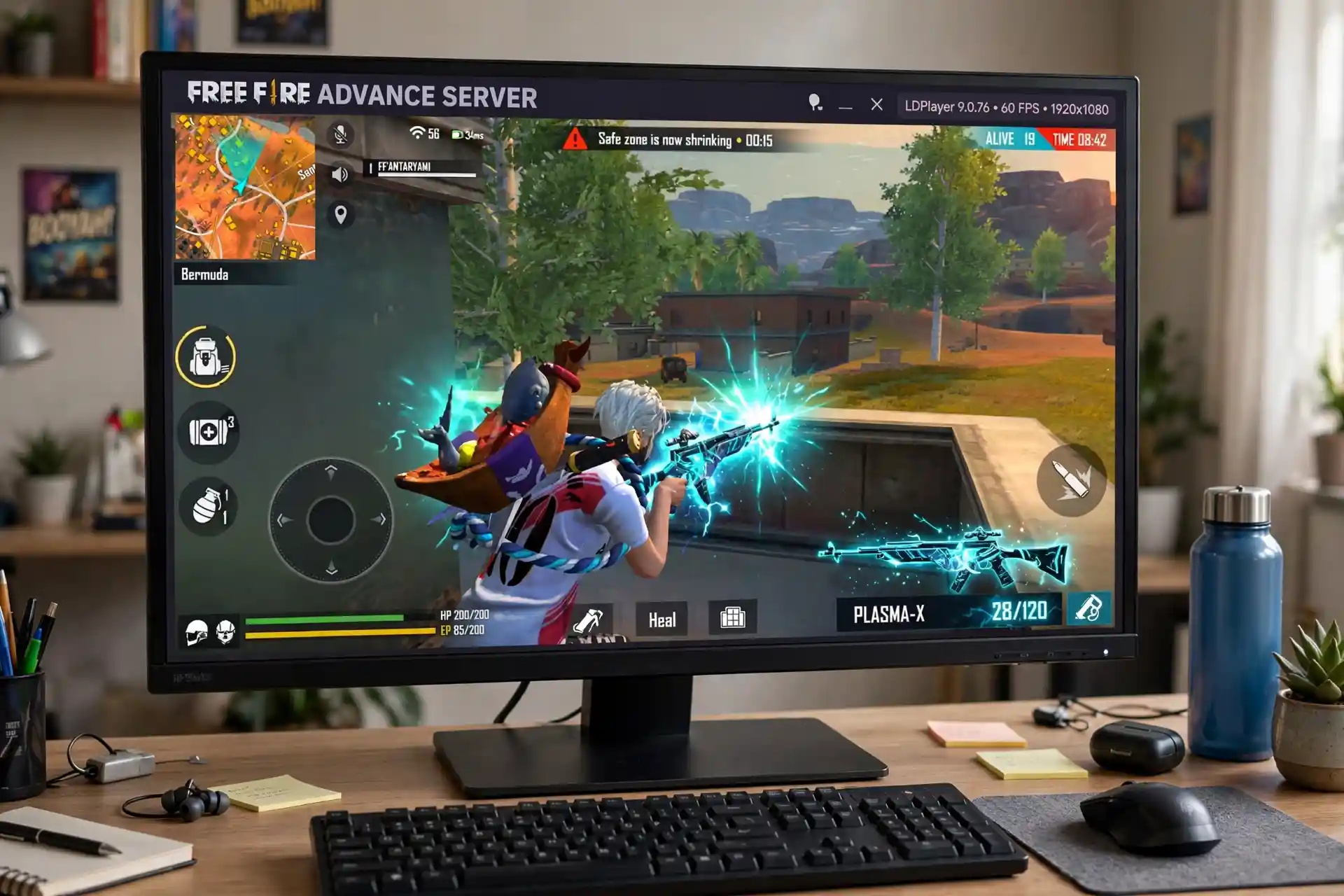
Playing Free Fire on a larger PC screen makes the game look bigger and clearer. When the emulator is set up right, the PC hardware can make the gameplay feel smoother. The bigger view and steady performance improve the overall experience.
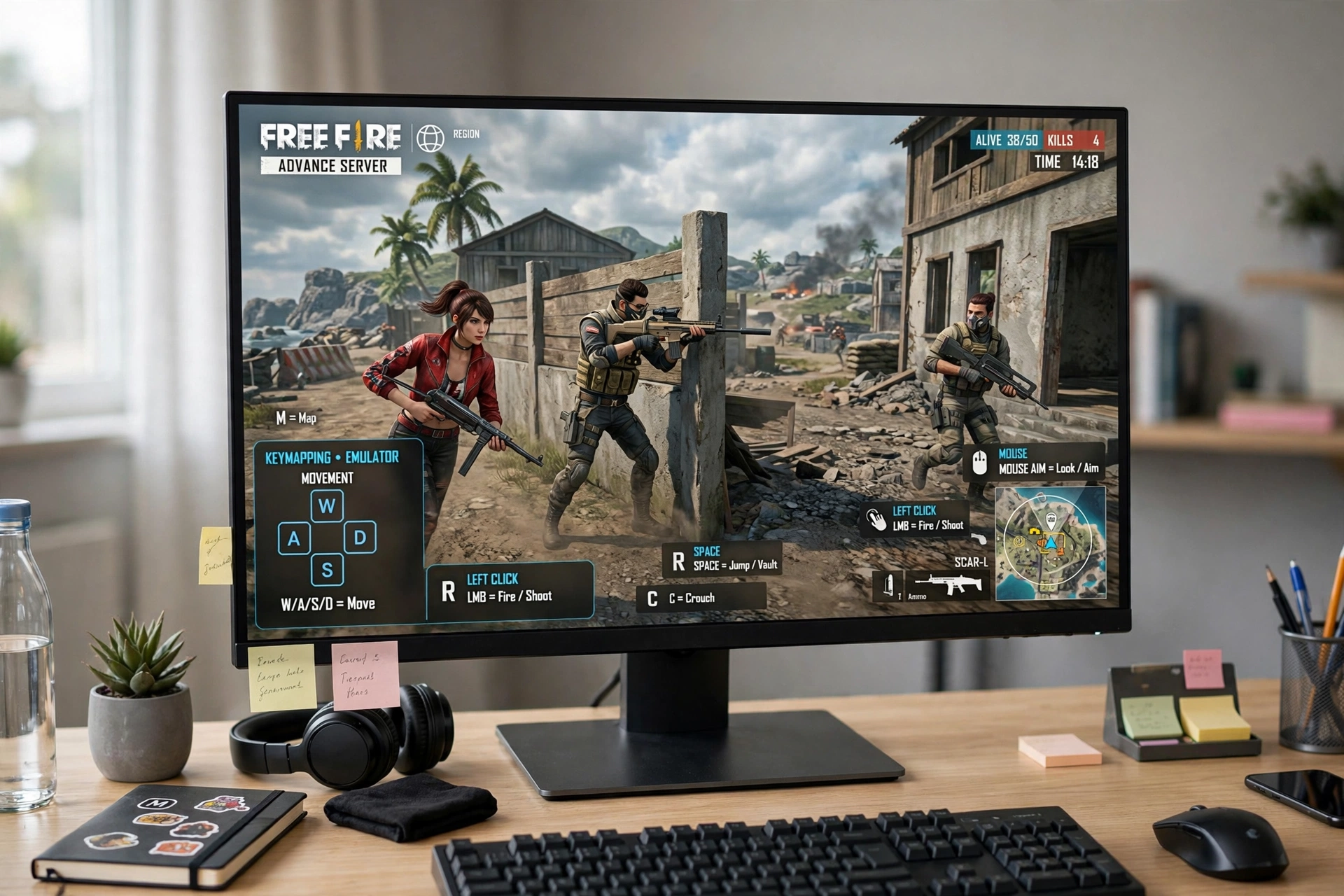
Keyboard and Mouse Controls
A PC allows you to play with better controls with the help of a keyboard and a mouse that you can’t connect to your Android. When you have better and improved controls, you can aim sharply and have an edge over your competitors. It allows you to move around the map quickly and collect the items faster than your opponents.
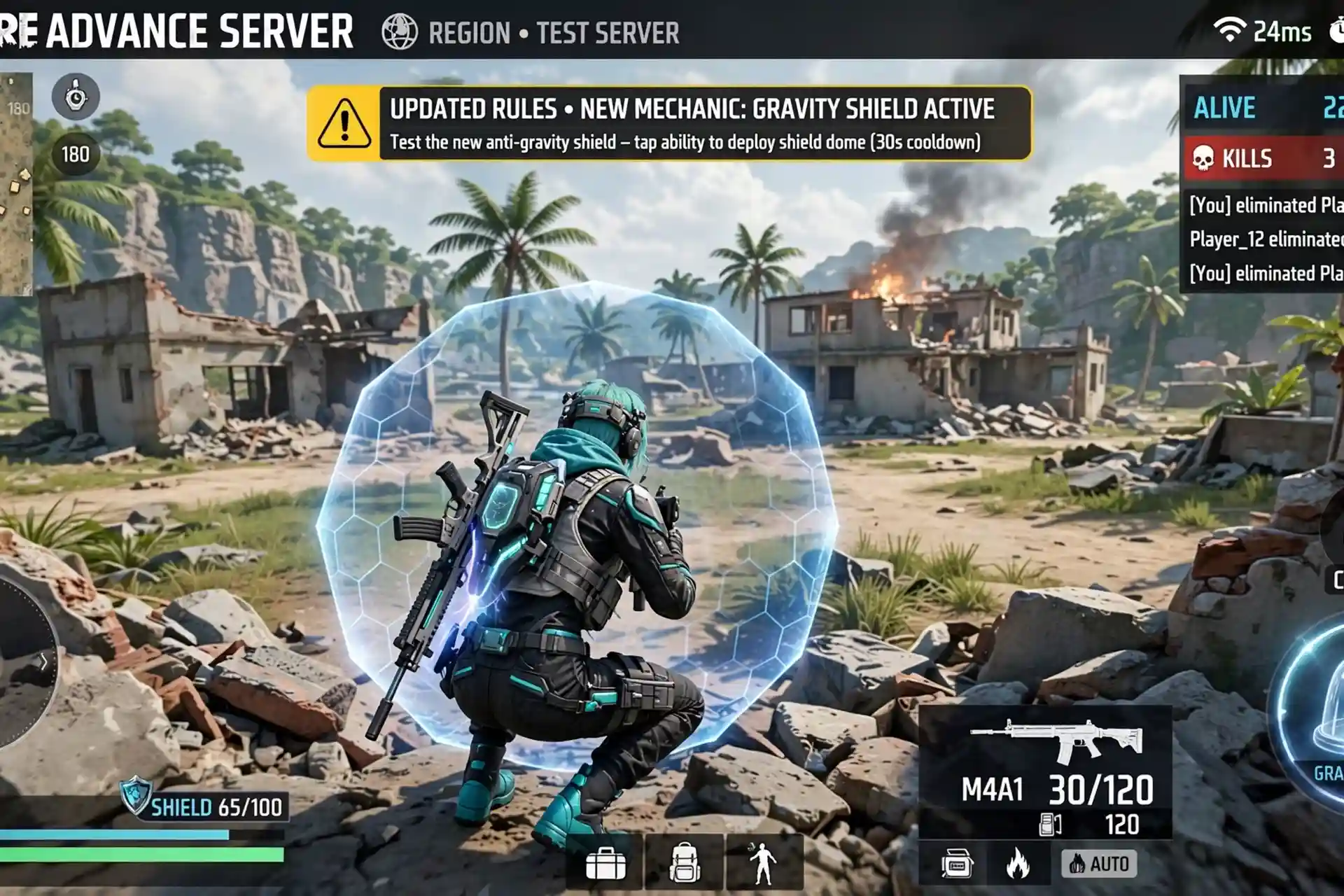
Test New Gameplay Changes
You can explore the new changes before they reach the normal version of the game. Understanding the updated rules and features early helps you get ready. Testing them now shows how the game will feel after the next update.
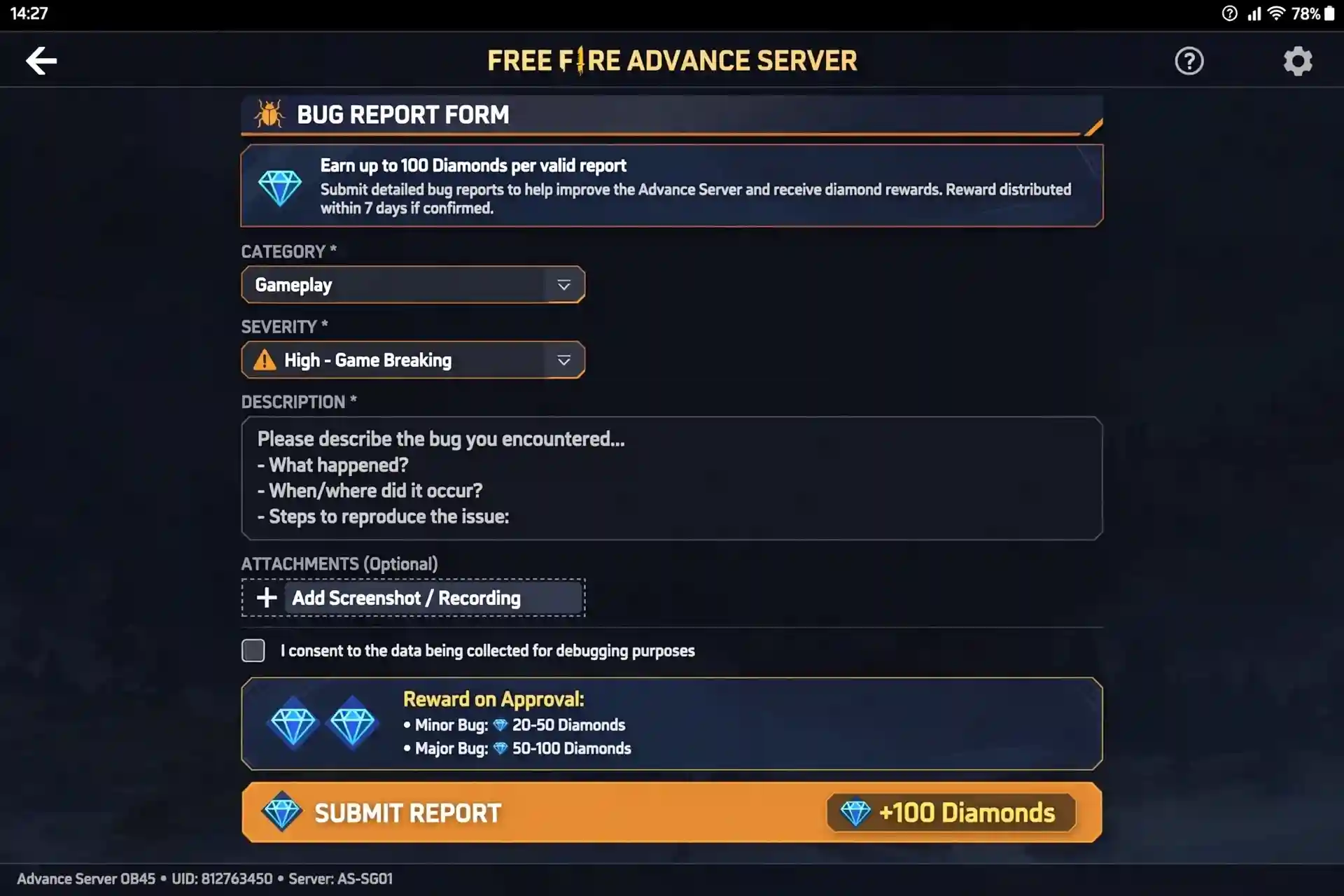
Find and Report Bugs
You can spot glitches or performance problems in the new features while testing. Sending feedback about these issues helps the developers fix them and you earn the in-game rewards. Reporting problems early makes the final update better for all players.
Easier Exploration
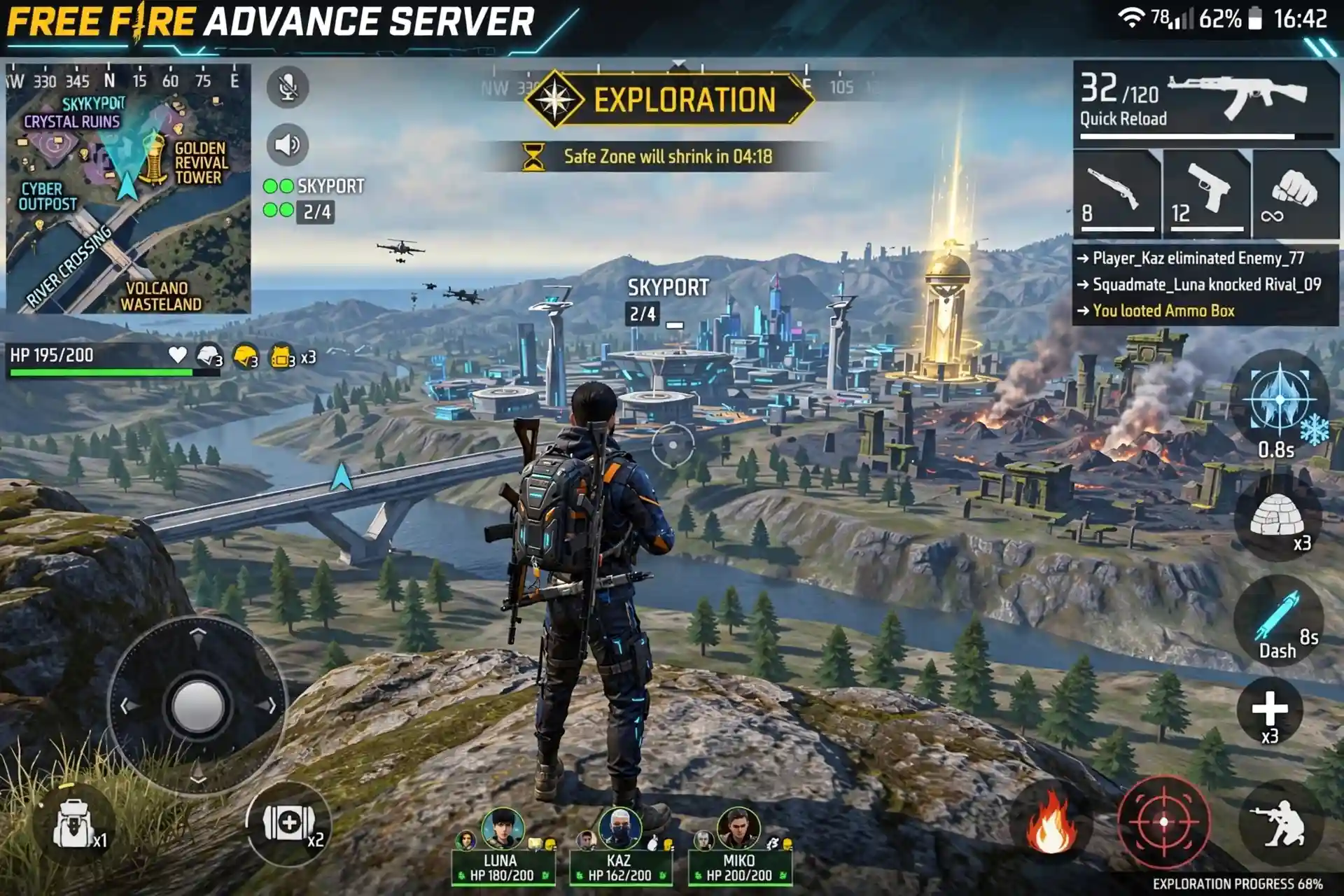
A larger display makes new maps and features easier to see and explore. PC controls can make moving around more comfortable for some players. The bigger screen and mouse setup help you check everything more clearly.
Get Ahead of Other Players
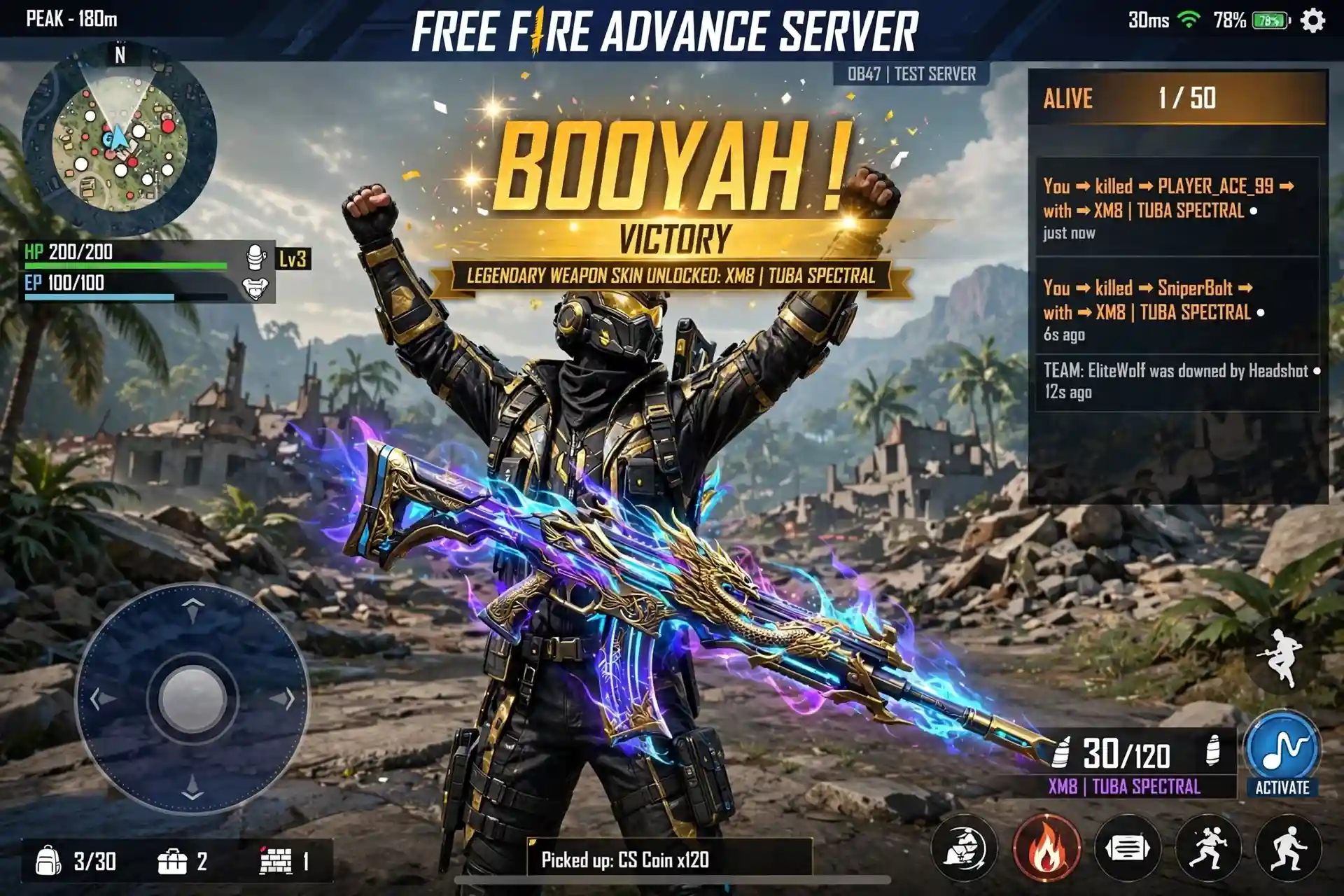
By accessing the upcoming features and using the upcoming weapons and outfits, you learn and master them. This puts you ahead of all the players, as this version isn’t accessible to everybody. Now when the changes are made live, you’re already a pro and ready to rock.
Play With Better PC Performance
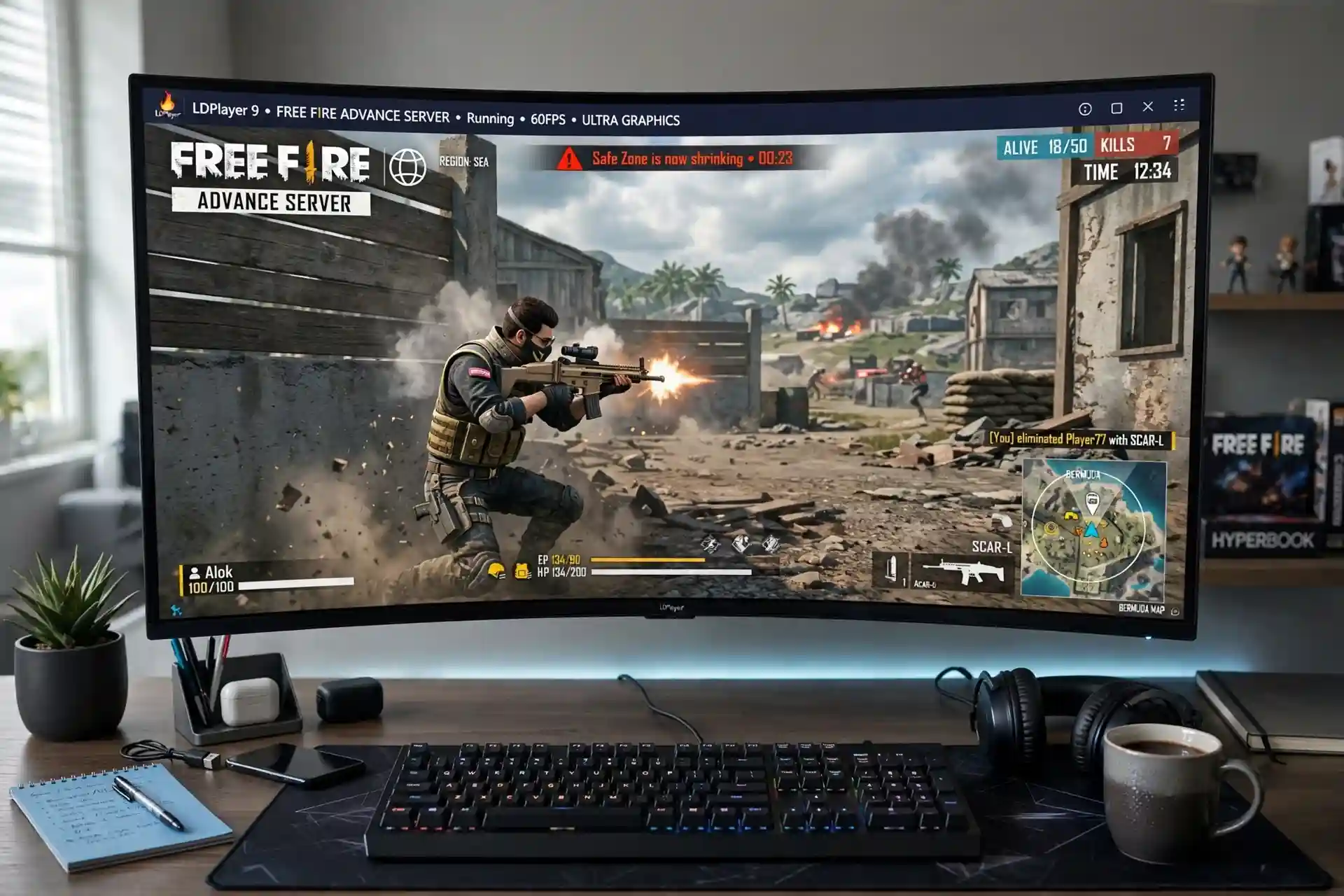
A good PC can provide stable performance when using a suitable emulator. More screen space makes gameplay and testing more convenient. The stronger hardware and larger view help the game run smoothly during longer sessions.
Conclusion
When you download the Free Fire Advance Server on PC, you can play the game with better controls using a mouse and keyboard on a big Full HD screen. The sound would also be better with connected external speakers, giving you an immersive gaming experience.
The unreleased features and weapons would be like the cherry on top, enhancing your gameplay. But you can’t directly download an FF Advance Server PC version, as it doesn’t even exist.
You’d need an Android emulator such as BlueStacks, MEmu Player, or LDPlayer to download it. So, download the FF Advance Server for Mac and Windows today with an Android emulator and enjoy a desktop-level Free Fire gaming experience with the exclusive updates.